HIGH VIBE TV · ON YOUR DEVICES
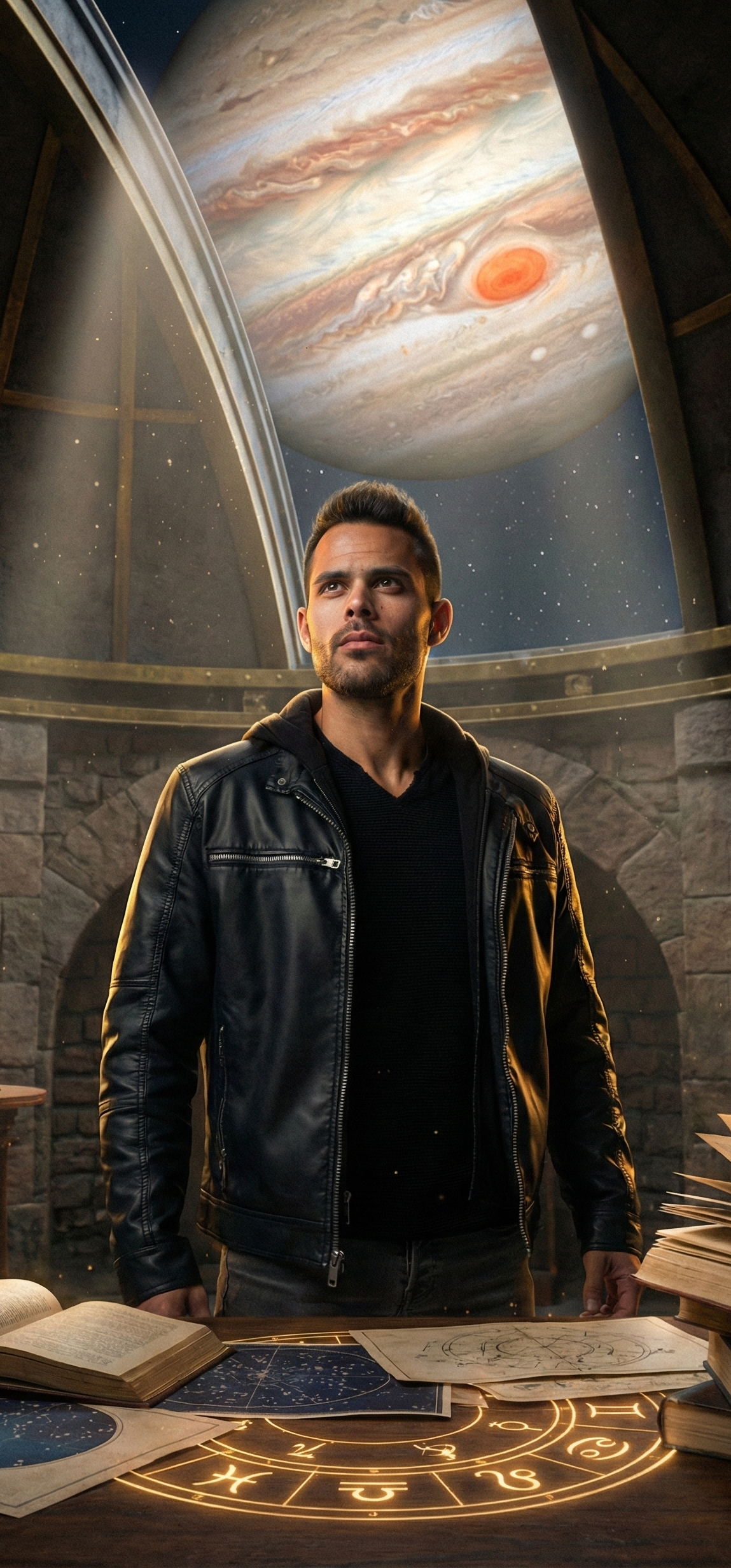
The Leo King, your favorite shows, live specials and astrology school. At home on your TV. With you on your phone.

Choose your device. Get the High Vibe TV app.
Already a member? Use your existing High Vibe TV account. Sign in →
Open the app store on your Apple TV, Android TV, Roku or Fire TV and search for High Vibe TV. Install the app, then follow the sign-in instructions on your screen.
Sign in with the same email you use on High Vibe TV. Your membership and purchased programs stay with your account. Already subscribed? Sign in before starting another subscription. Need help? Visit support →